Behind every television, computer, and charging station in the modern home is a tangle of cables that seems to grow more complex with every new device. Power cords, HDMI cables, USB cables, ethernet cables, audio cables — they multiply, intertwine, and collect dust in a visual chaos that undermines the clean look of every room they occupy.
Cable management is not just about aesthetics, though a clean cable setup is visually satisfying. It is also about function. Tangled cables are harder to trace when troubleshooting. Unlabeled power adapters create confusion. Cables on the floor collect dust and create tripping hazards. Here is how to bring order to the chaos.
The Cable Audit
Before organizing, eliminate cables you no longer need. Most households have a collection of mystery cables that belong to devices long since retired. The proprietary charging cable for a phone from 2018. The RCA cables for a DVD player you donated years ago. The micro-USB cables in a world that has moved to USB-C.
Gather every cable in the house into one location. Sort by type. Test anything you are unsure about. Donate or recycle the duplicates and the obsolete. Most households can eliminate a third or more of their cable collection without losing anything they actually use.
For the cables you keep, label both ends. A label maker produces clean, durable labels, but masking tape and a permanent marker work just as well. The label should identify the device the cable belongs to, not just the cable type. “Monitor power” is more useful than “power cord.” When you need to unplug something, you know exactly which cable to pull.
The Routing Strategy
Cables that travel together should be bundled together. Spiral wrap, braided cable sleeves, and Velcro cable ties all accomplish this. Spiral wrap is the most flexible because you can add or remove cables from the bundle without cutting and replacing the wrap. Velcro ties are the most adjustable and the easiest to remove when you need to swap a cable.
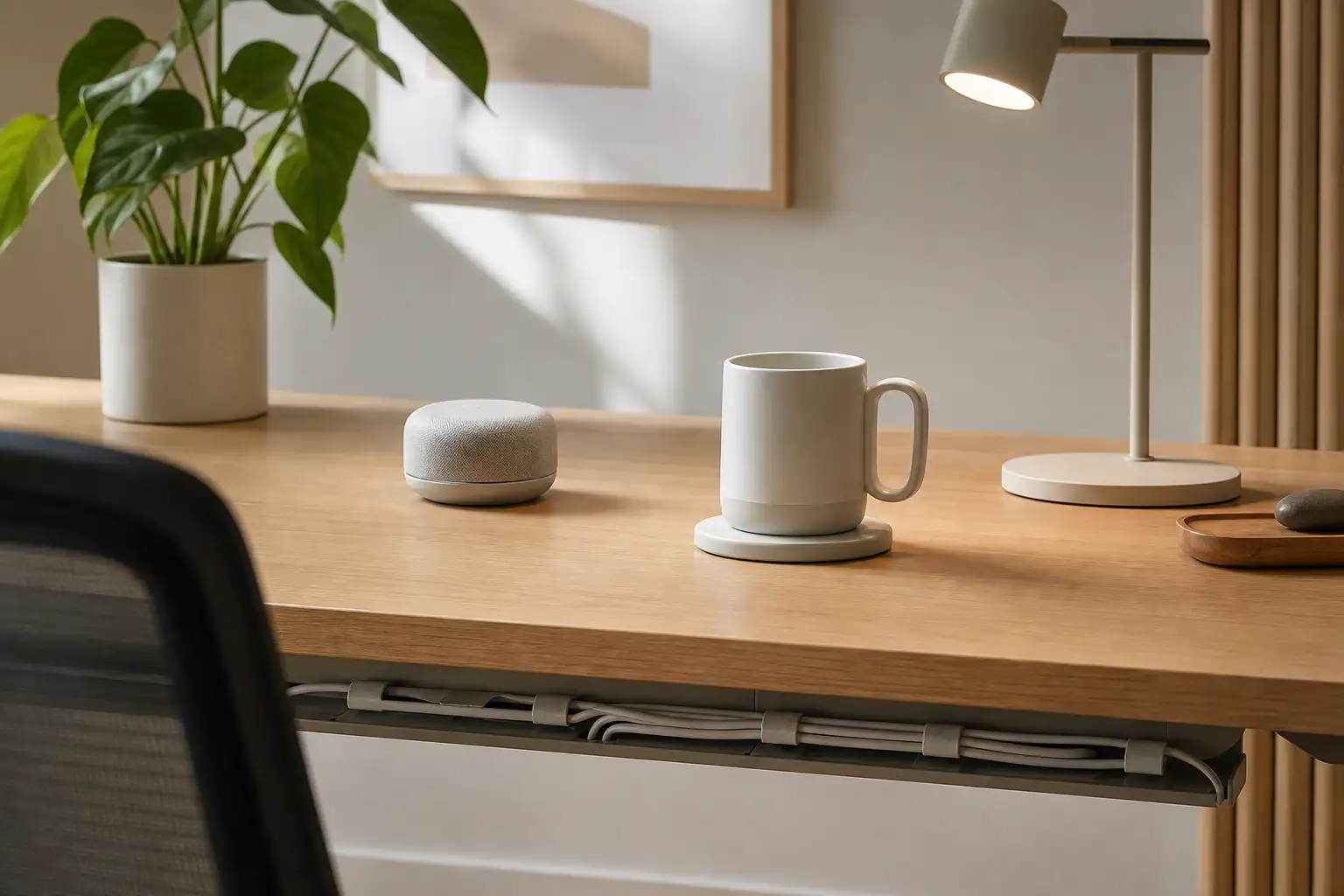
Route bundles along surfaces rather than through the air. Cables that run along desk edges, baseboards, or the back of furniture legs are less visible and less likely to be snagged. Adhesive cable clips attached to the underside of a desk or the back of a media console hold bundles in place along their route.
The two-foot rule is a game changer for desk setups: no cable should span more than two feet without being attached to something. This prevents the sagging cables that hang below desks and the loose cables that snake across floors.
The Charging Station
A dedicated charging station consolidates the cable chaos of multiple devices. A multi-port USB charger mounted under a desk or behind a nightstand provides power for multiple devices from a single outlet. Short cables — six inches rather than three feet — eliminate the excess cable length that creates tangles.
For families, a charging station with labeled compartments for each person’s devices prevents the morning scramble of figuring out whose identical charging cable belongs to whom. Each person gets a designated charging spot with their own cable.
The Hidden Storage
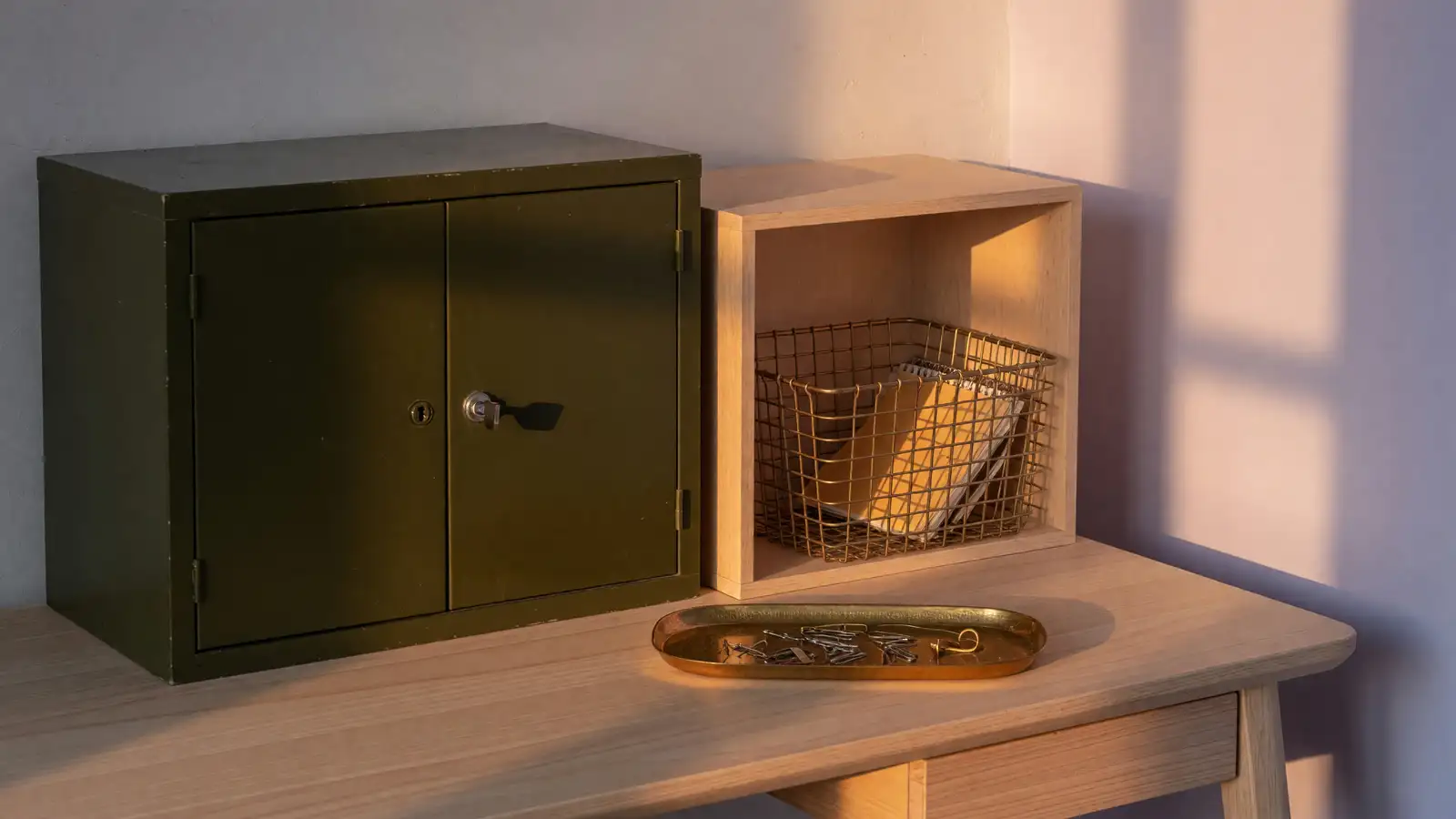
Some cables are needed only occasionally. The specialized cable for connecting a camera to a computer. The extra-long HDMI cable for presentations. The backup charging cable that lives in a bag. These cables should not contribute to the visible chaos of daily-use cables.
A small clear bin with a lid, stored in a drawer or cabinet, holds spare and occasional-use cables. Each cable is coiled and secured with a Velcro tie, and the clear bin allows you to see what is inside without dumping everything out. Label the bin “spare cables” and resist the urge to throw every cable you find into it. The bin is for cables you have verified are useful, not for cables you are keeping just in case.
Cable management is the final layer of home organization. It is the detail that separates a room that looks clean from a room that looks finished. The time invested in routing, bundling, and labeling cables pays back every time you need to unplug something, add a device, or simply look at your entertainment center without a twinge of visual irritation.